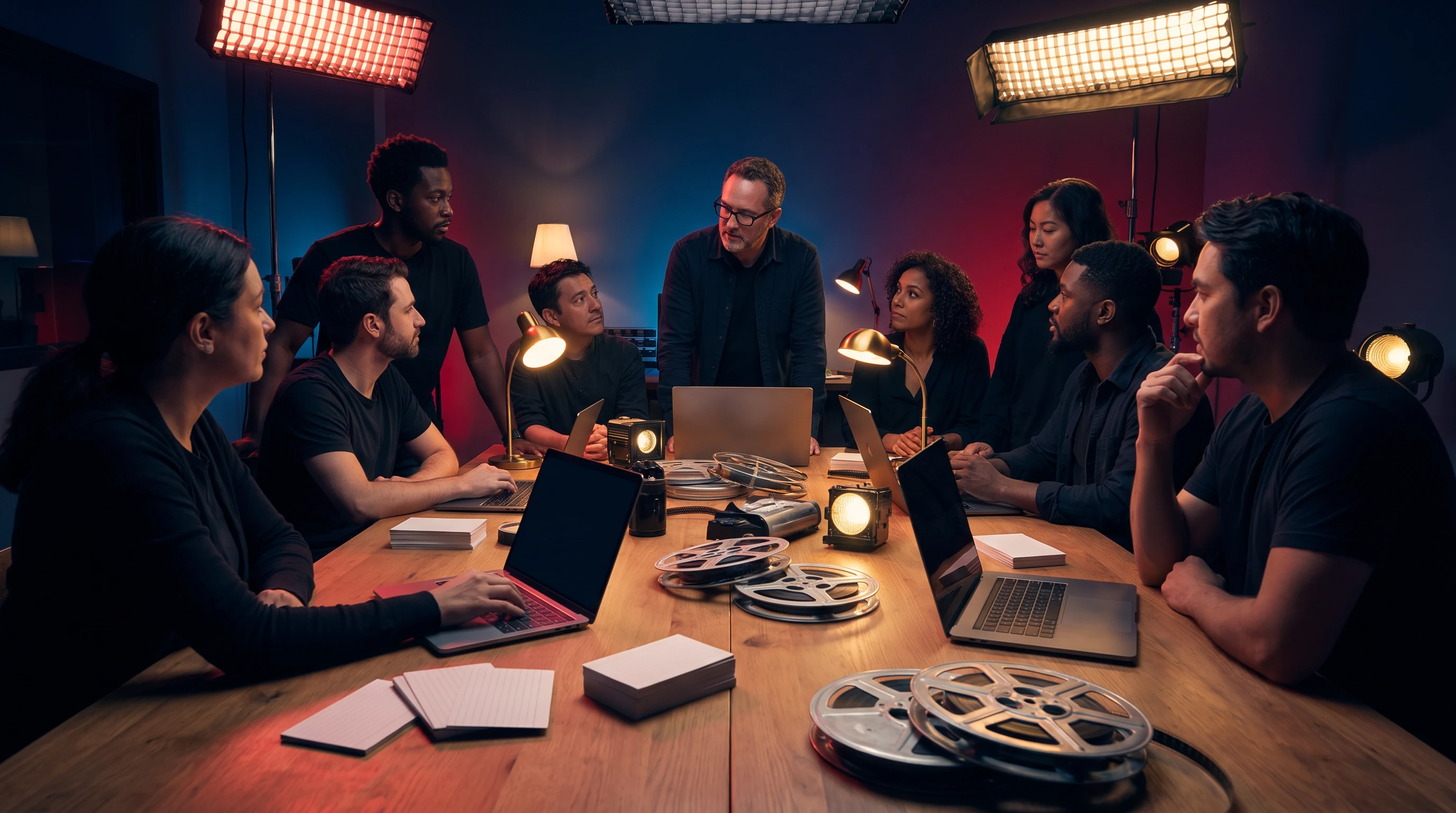
A software learning studio

Build like every cut counts.

Wexanirel frames software practice as a production: inspect the scene, test the sequence, make the cut, then ship the next clear version of your work.

A focused maker working at a laptop in a dark editing room
NOW SHOWING / runtime thinking
Scroll for the call sheet
Screening call

Open the brief. Mark the dependency. Let the first rough cut teach you what to revise.

Wexanirel / software practice in scenes.

01 / Scene selector

Choose the next scene, not a vague destination.

The curriculum moves like an edit: a distinct problem, an observable choice, a small handoff. Select a chapter to change the stage notes.

Chapter 01

Read the rushes

Start with the visible behavior. Gather the smallest useful evidence before deciding what the system means or what should change.

ObservationInputs / outputs
02 / Crew call

Learning roles for a real working room.

Move among these roles as a project needs them. The labels make the practice legible without pretending that software work follows a single, tidy script.

Scene reader

Names what is actually happening before the group starts repairing it.

Frame the evidence

Sequence mapper

Draws the route from input to outcome and marks the uncertain joins.

Trace the route

Cut editor

Removes a distracting branch, a fragile assumption, or a confusing layer.

Make it smaller

Release keeper

Writes the handoff so the next person can replay the decision with context.

Leave the reel ready
03 / Edit-bay labs

Hands on the timeline.

Short practical labs use familiar production pressure: a constraint, a bad cut, a rewatch, and a better next move.

BAY 01

First-frame failure

Read an interface state and isolate the one assumption that breaks it.

BAY 02

Continuity check

Follow data through a small flow and annotate each change of state.

BAY 03

Noise reduction

Turn a repeating debugging ritual into one clear, reproducible sequence.

BAY 04

Release notes

Prepare a compact explanation for the person who inherits the work.
A film reel, keyboard, and cables in an edit bay
04 / Cut room

Change the sequence. Watch the diagnosis change.

A debugging narrative needs order. Pick a cut below to switch the mini-sequence and see which observation arrives first.

This is a browser-only teaching interaction; it does not run code or send data.
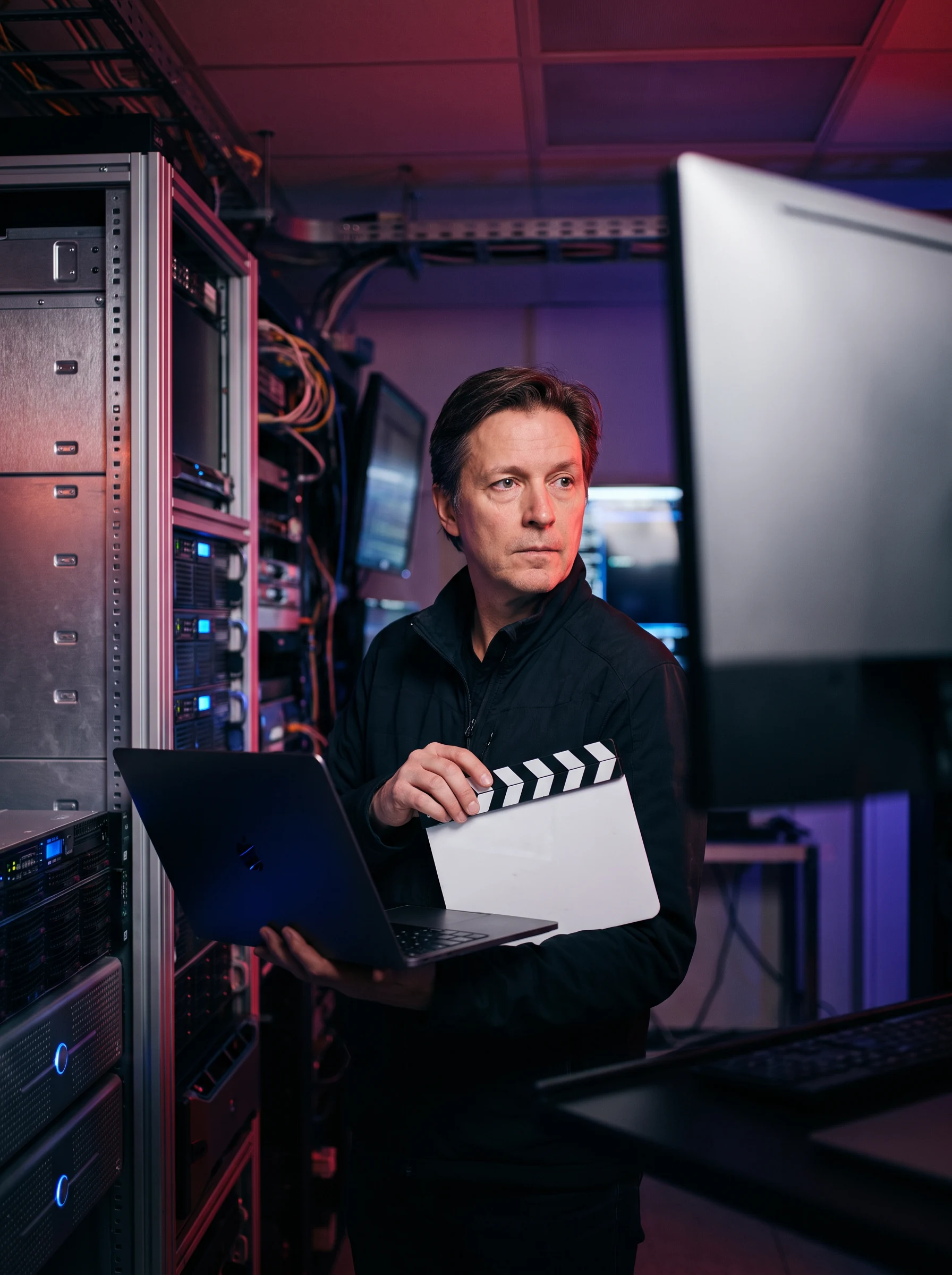
Cut room / trace log live edit
A technician beside a server rack and monitoring screensSignal room / a boundary under watch
01 CHECK reproduce the visible state 02 FAIL input is absent after submit 03 MAP inspect the handoff boundary 04 NOTE record the smallest next test
05 / Dailies

The work between the scenes.

Dailies are reference material, not a victory lap: a desk, a script, a focused decision, a room where another pass can start.
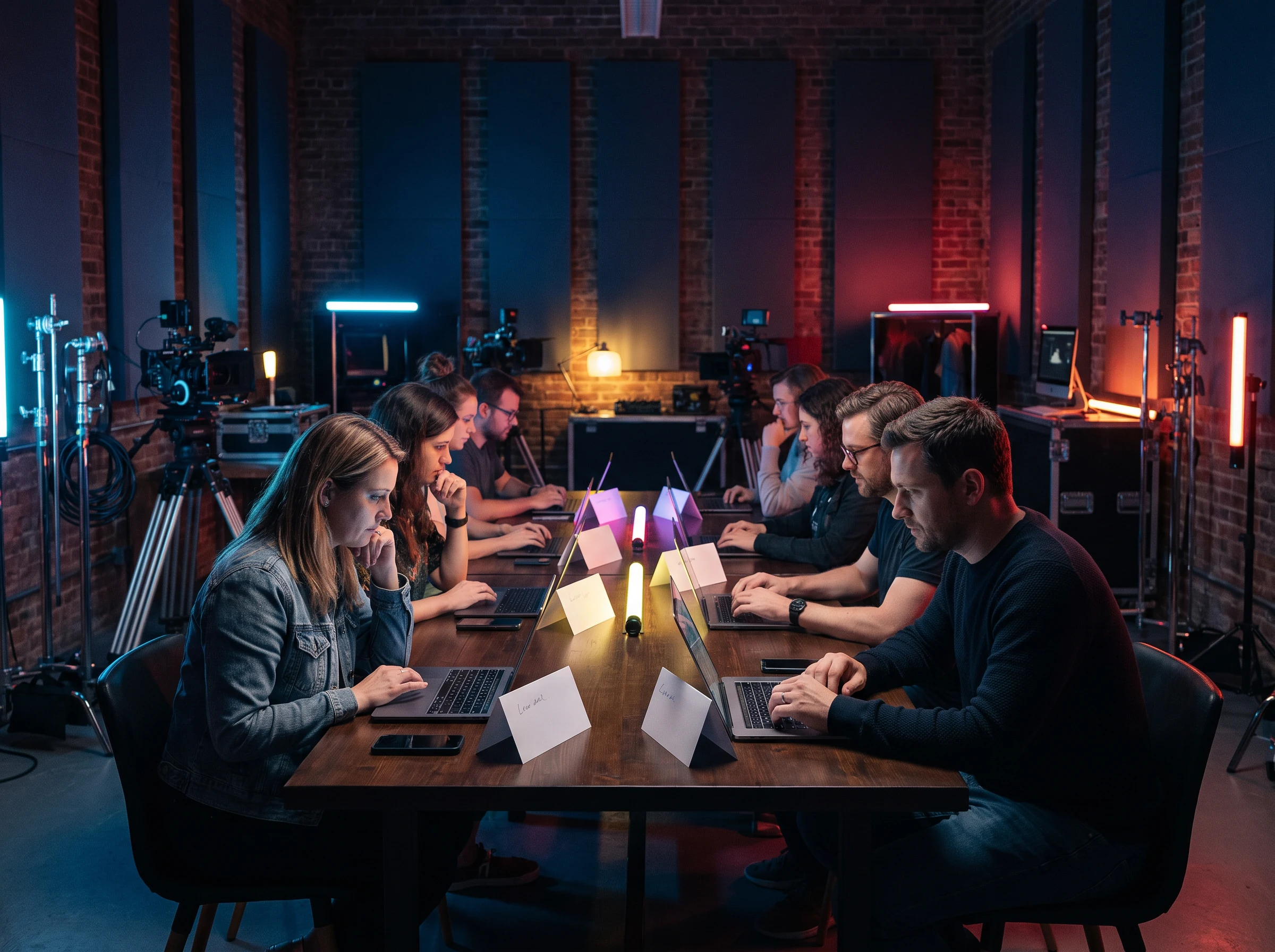
A group working together at laptops in a studio
Daily 01Shared table read
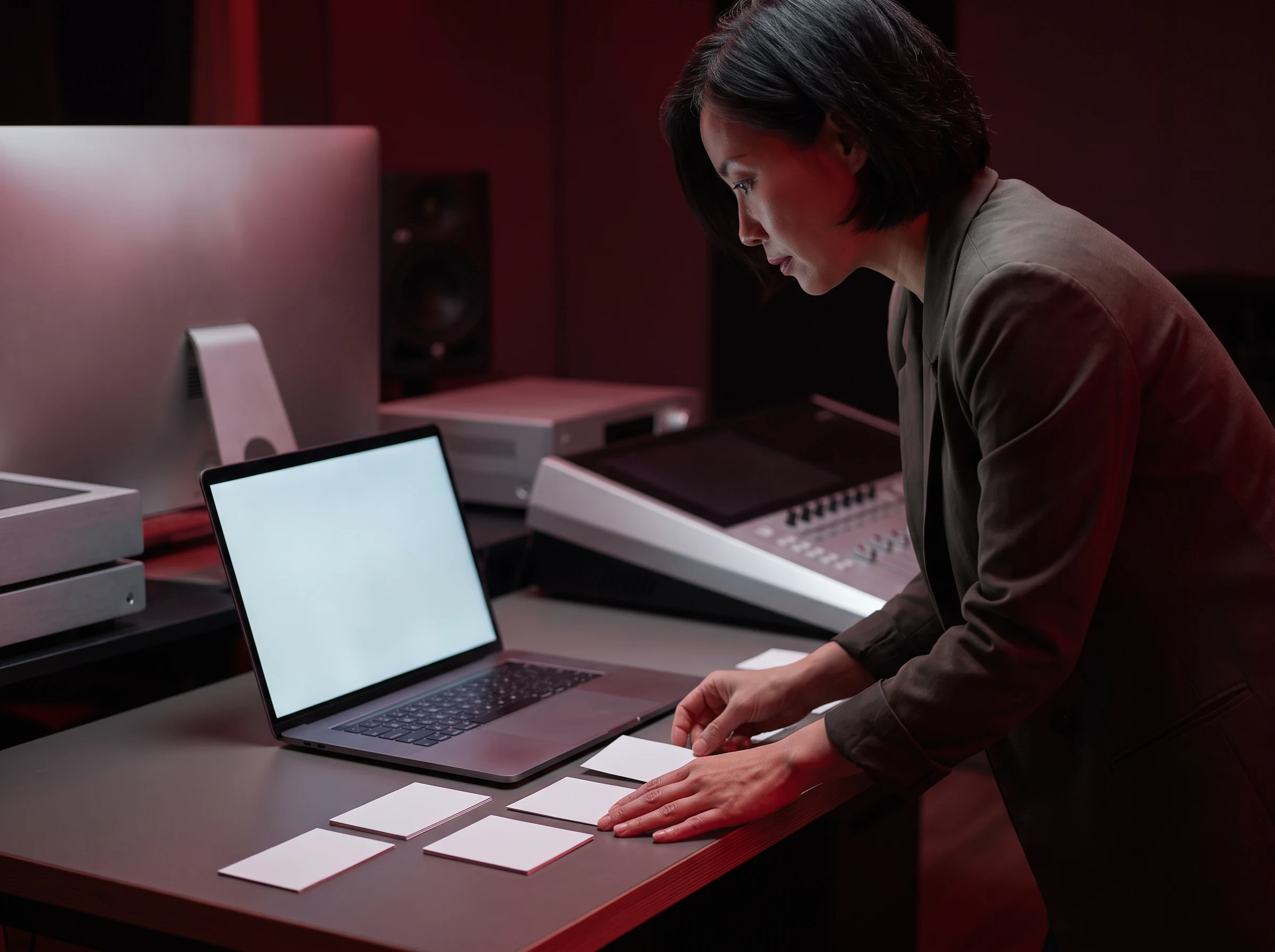
A person arranging cards beside a laptop
Daily 02Cards on the cut
Hands reviewing notes beside a keyboard
Daily 03Notes, then code
Film reel with red film and a pencil
Daily 04Material at hand
A learning group gathered around a table under studio lights
Director’s desk
06 / Clinic

Bring the snag, not a polished story.

The director’s desk is a structured conversation about a sticky behavior, an unclear route, or a decision you want to replay with another pair of eyes.

  • Name the moment the scene changes.
  • Separate evidence from the explanation.
  • Leave with one testable next cut.
07 / Build release

A release is a timeline you can explain.

This release reel holds the decisions close to the work, from first brief through a durable handoff.

Slate it

Set the observed behavior and a boundary for the first pass.

Trace it

Follow the path that converts the input into a visible result.

Make the cut

Change one clearly named thing and keep the reason nearby.

Screen it

Review the new sequence in the conditions that matter.

Hand it off

Leave a note that the next reader can use without guessing.

Laptop with code in a studio workspace overlooking a city
08 / Closing screen

Keep the reel moving.

Take the next scene with you: a concise question, a reproducible sequence, and notes that make the work easier to resume.

09 / FAQ

Notes before the lights go down.

Independent questions, clear answers, and no performance theater.

Runtime cinema is Wexanirel’s visual language for learning through visible sequences. Instead of treating a software problem as an abstract checklist, we frame it as a scene with inputs, behavior, decisions, and a handoff. The metaphor supports careful observation; it does not replace technical detail or real testing.
No particular title is required. The material is built around habits that are useful whenever someone is trying to understand software: noticing the behavior, tracing a small route, changing one variable, and documenting what happened. Your starting point can be a new project, an existing codebase, or a learning exercise.
A clinic begins with a concrete snag rather than a polished presentation. You describe the observed state, the route you have already checked, and the question you want to sharpen. The goal is to leave with a smaller, testable next action and a note that makes the decision understandable when you return to it later.
No. Wexanirel does not make guarantees about performance, credentials, jobs, or any particular result. We describe the learning format and invite a conversation about fit. Software practice develops through context, repetition, feedback, and individual circumstances, so it would be misleading to represent a fixed outcome for every visitor.
10 / Screening request

Put your next scene on the call sheet.

Share a little context and a Wexanirel contact will reply about your request. This form stays in your browser for this demonstration and does not submit data to a server.

Include the moment where the work becomes unclear.
Mention the artifact or route you want to review.
A rough note is enough to start.